
Bounce Mallow
Guide a bouncy marshmallow across perilous gaps, forged steel spikes, and armored spike bugs in this endless procedural auto-runner.
Guide a bouncy marshmallow across perilous gaps, forged steel spikes, and armored spike bugs in this endless procedural auto-runner.

Match all 8 pairs of colored shapes on a 4×4 grid of flash cards before the 5-minute timer runs out.
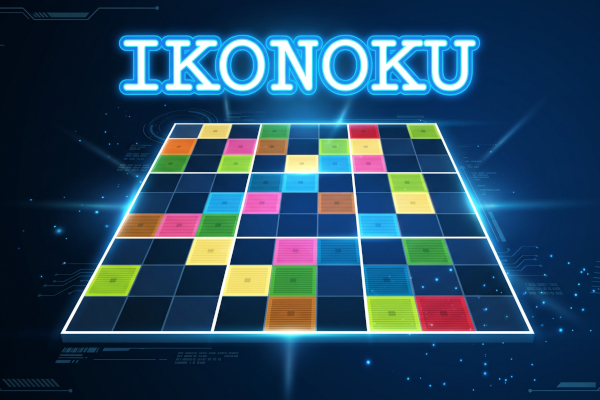
A cyberpunk arcade logic puzzle that reimagines Sudoku with 9 unique Arne16 color blocks across Easy, Medium, and Hard difficulties.